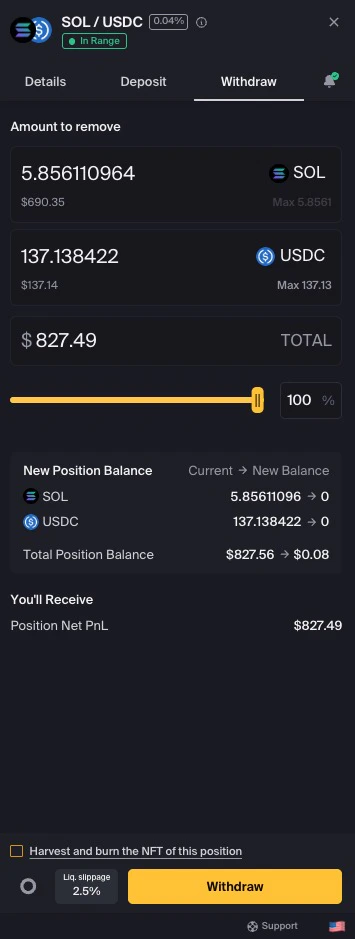
Withdraw some or all liquidity from an existing position to return available position balances to your wallet.
Withdrawal outcomes can be affected by token price movement, position range, token composition, slippage, fees, transaction costs, and market conditions. Review the withdrawal details before approving.
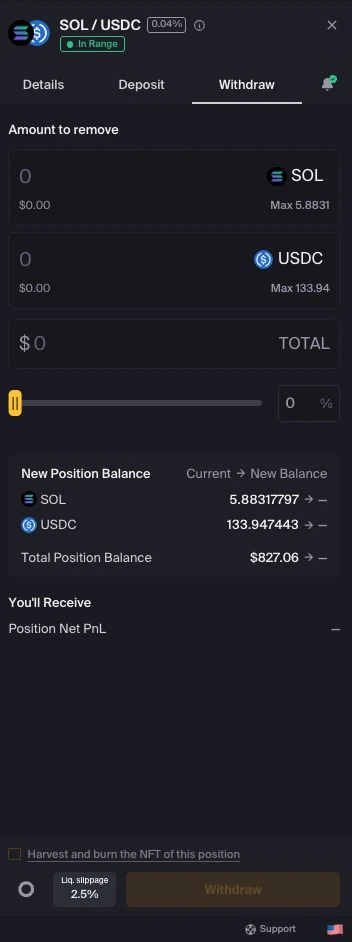
Enter a specific amount in one of the token fields
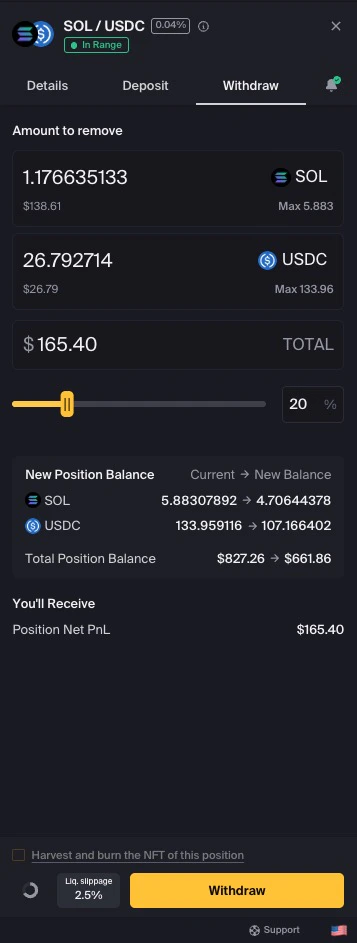
Use the slider to select a percentage of your position
Click Max to withdraw all available liquidity from the position
Enter withdrawal amount or use the slider
The other token value is calculated based on your current position composition.
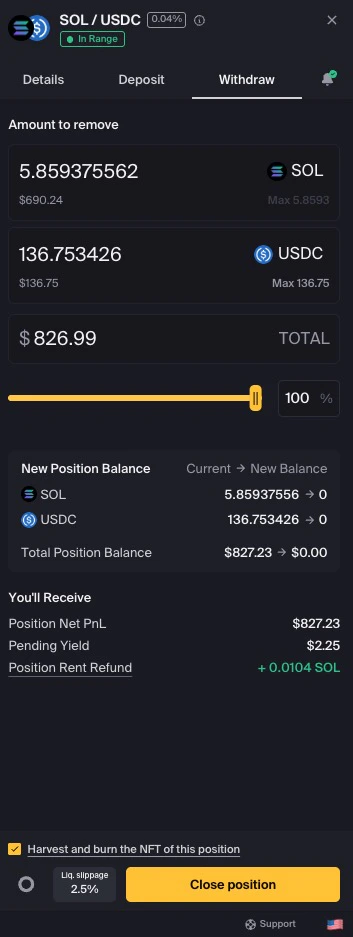
Click Max to withdraw all available liquidity
4
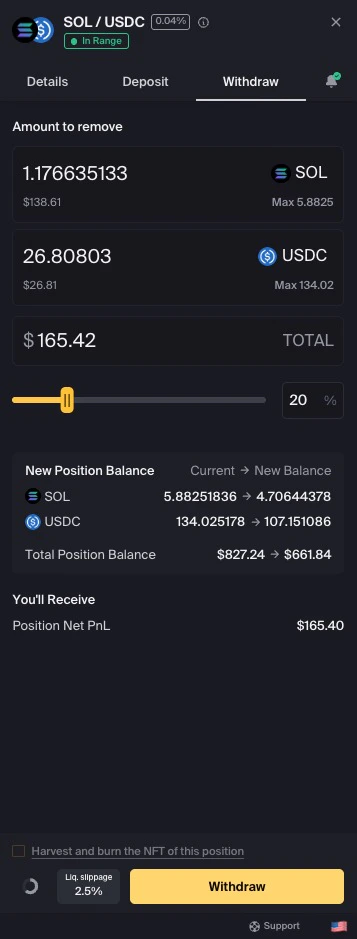
Optional: adjust liquidity slippage
Click the Liq. slippage button to review or adjust tolerance.See Understanding Slippage for more information.
5
Complete your withdrawal
Click Withdraw to proceed.
Click Withdraw to remove liquidity
If you are removing all liquidity, the button changes to Close Position.
Close Position appears when removing all liquidity
6
Optional: keep your position NFT
When closing a position, you can retain the position NFT by unchecking Harvest and burn the NFT of this position.
Uncheck to keep your NFT for future use
Keeping the NFT may allow you to deposit back into the same price range later without creating a new position.
7
Approve the transaction
Review the details in your wallet, including network fees, before approving.
Review the estimated token amounts, accrued fees, slippage setting, NFT burn setting, and wallet transaction details before approving. Final received amounts may vary based on pool conditions and transaction execution.
Available position balances are returned to your wallet after the transaction confirms
Accrued fees may be harvested as part of the withdrawal flow
The token amounts you receive depend on the current price relative to your range
If you close the position and burn the NFT, the NFT cannot be reused
If your position is out of range, you may receive only one token from the position. Which token you receive depends on whether the current price is above or below your selected range.